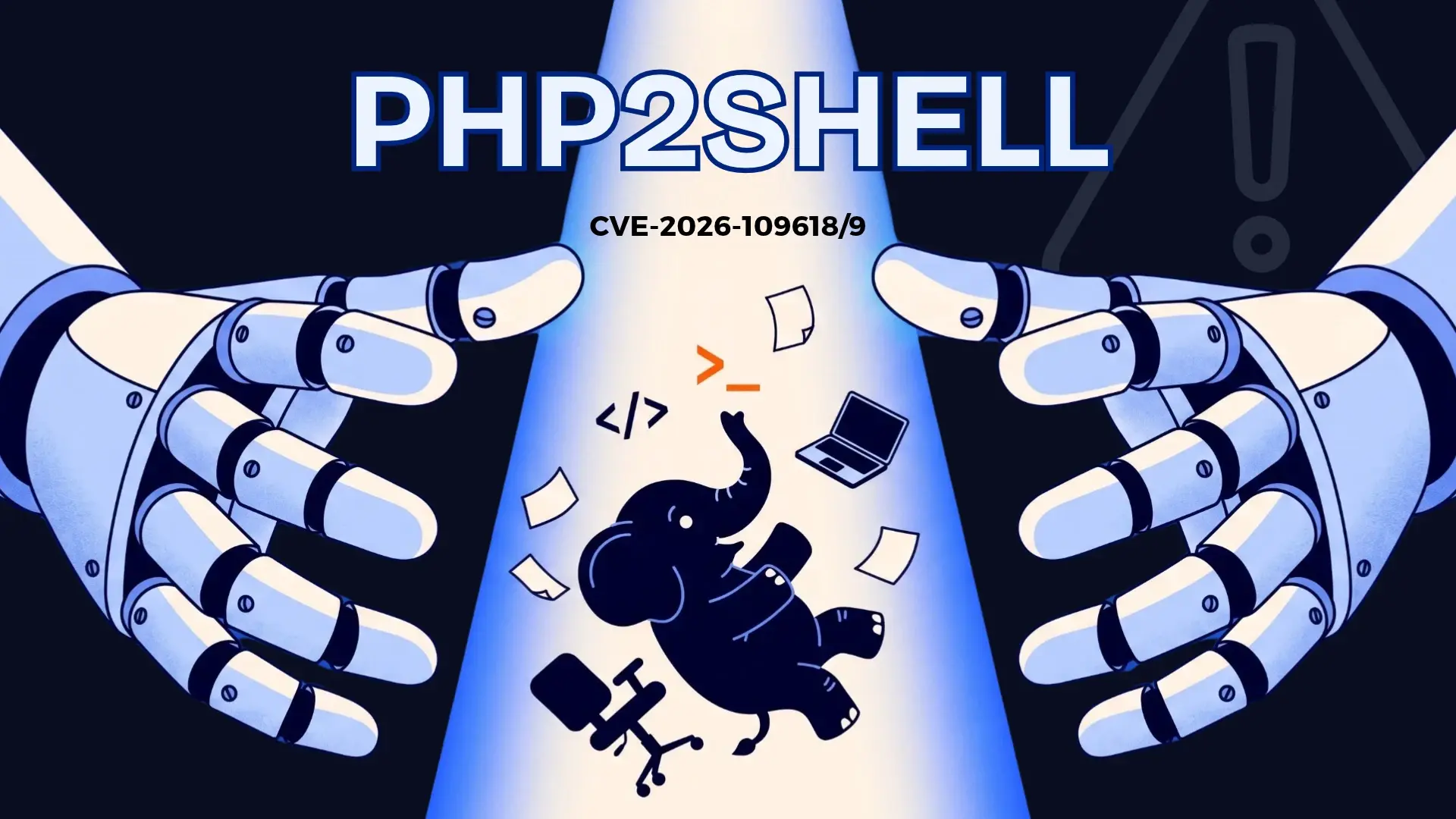
PHP2Shell is the name given to two critical vulnerabilities in PHP, the language that powers most websites, tracked as CVE-2026-109618 and CVE-2026-109619 with a severity score of 9.2 out of 10. They allow someone to run code on a web server without a username or password. PHP fixed them on October 21, 2026, in versions 8.5.12, 8.4.27, 8.3.36 and 8.2.35, and updating is the only complete fix.
If your company runs a website, an online store, a customer portal or an intranet built on PHP, this week’s work is concrete: find where it runs, update it and monitor it in the meantime. Here is how to do it, and what we have already done in our clients’ environments since the day of the advisory.
What PHP2Shell is and why it is so serious
PHP is the language that runs on the server and builds a site’s pages every time someone visits them or submits a form. According to W3Techs, it is used by 69.3% of websites whose server-side language is known; that is where the "7 out of 10 websites" figure in the news comes from.
PHP2Shell enables remote code execution: an attacker, from the internet and without a username or password, can make the server run whatever instructions they want.
They are two flaws in the way PHP manages memory:
- CVE-2026-109618: when PHP runs out of memory in the middle of a request, such as while receiving a file through a form, it leaves half-prepared data behind and later treats it as valid.
- CVE-2026-109619: information from a previous visit stays stored in the process that serves the site, and the next visit can use it. Besides allowing code execution, it can expose fragments of memory with data from other sessions.
What makes it serious is when it happens: PHP processes the malicious request before your site loads. That is why your application’s login does not stop it, and it does not matter how well your site is coded: the flaw is in PHP, not in your code.
What PHP announced and why you should act this week
PHP, one of the most widely used languages on the web, had to release fixes for two critical vulnerabilities. It announced them in its official advisory, and this is the sequence:
- October 17, 2026: Amazon records an exploitation attempt in its honeypot network, four days before the public advisory.
- October 20: PHP announces that the next day it will release a security update for two critical CVEs, both scored 9.2.
- October 21: PHP releases versions 8.5.12, 8.4.27, 8.3.36 and 8.2.35, along with temporary measures for anyone who cannot update right away.
The Computer Emergency Response Team for the EU institutions (CERT-EU) considers active exploitation likely, because the technical details are being discussed publicly. As of October 22, the US Cybersecurity and Infrastructure Security Agency (CISA) had not added it to its catalog of exploited vulnerabilities. Either way, the conclusion is the same: the time between a patch release and the first attacks keeps getting shorter.
Is your company exposed? How to find out in an afternoon
Any server that uses PHP to serve web pages is affected, whether it runs Apache, Nginx with PHP-FPM, LiteSpeed or another setup. Every version older than the fixed releases is at risk, including branches that no longer receive support. The useful question is not whether you use PHP, but where:
- ☐ Your corporate website, especially if it is built on WordPress, Drupal or Joomla.
- ☐ Your online store, if it uses Magento, PrestaShop or WooCommerce.
- ☐ Custom-built customer, supplier or billing portals.
- ☐ The intranet or internal tools your team uses from the browser.
- ☐ Devices and software from other vendors that ship with PHP inside, such as management consoles; several manufacturers are already reviewing their products.
- ☐ Campaign sites or microsites an agency built that nobody has reviewed since.
For each one, the person in charge or your hosting provider should tell you which PHP version it runs. On your own server, your team can confirm it in seconds:

With that answer, this table tells you what to do:
| If your version is... | Fixed version | What to do |
|---|---|---|
| PHP 8.5 | 8.5.12 | Update and restart the PHP processes |
| PHP 8.4 | 8.4.27 | Update and restart the PHP processes |
| PHP 8.3 | 8.3.36 | Update and restart the PHP processes |
| PHP 8.2 | 8.2.35 | Update and restart the PHP processes |
| PHP 8.1, 8.0 or 7.4 | No official release | Ask your provider for the fix for your version (PHP published source patches for these branches) and plan the move to a supported version |
| PHP 7.3 or older | No fix | Move to a supported version or isolate the server from the internet in the meantime |
If your site lives on shared hosting, you cannot update PHP yourself: ask your provider in writing for the exact version and the date they applied the fix. The same goes for other vendors’ devices: the fix arrives with the manufacturer’s update.
What to do this week: update, restart and contain what you cannot update
PHP’s official advisory is clear: there is no complete mitigation, only the update. This is the order we recommend:
- Prioritize what is exposed to the internet. Servers reachable from outside first; internal ones after.
- Update to the fixed version for your branch. If you use your Linux distribution’s packages, most have already published the fix; your team should confirm the installed version after updating.
- Restart the PHP processes. One of the flaws lives in processes that keep running, so updating without restarting leaves the risk active.
- If you cannot update today, reduce exposure. PHP published temporary settings your team can apply in the server configuration, such as disabling upload progress tracking (
session.upload_progress.enabled=0) and limiting request size. They help, but they do not replace the patch. - Isolate whatever has no fix. If a server cannot be updated, take it off the internet or put it behind restricted access until it is resolved.
This is what steps 2 and 3 look like on a Linux server running PHP 8.3:

If your site sits behind a web application firewall (WAF) or a content delivery network, check with the provider whether it has already enabled rules for this flaw; several companies in the industry released them the same day. They are an extra layer while you update, not a replacement. This cycle of detecting, prioritizing, applying and verifying is exactly what good patch management puts in order.
Signs that someone is trying it on your server
Because the attack happens before your application loads, the site’s logs usually say little. Watch for these signs on the server while you finish updating:
- Unusual file uploads followed by out-of-memory errors.
- Bursts of 500 errors, the code a site returns when something fails on the server side.
- Session cookies with an abnormal size or format in the site’s responses.
- PHP processes that restart without a clear cause.
None of these signs proves an attack on its own. What matters is correlating them, checking whether the server opened unusual connections or ran unusual programs after the attempt, and acting fast. That takes continuous monitoring with intrusion detection and analysis of every alert, not a manual review once a week.
How TecnetSOC helps you with PHP2Shell
Since the October 21 advisory, at TecnetSOC we have identified the exposed servers in our clients’ environments, enabled protection and detection rules for this flaw and coordinated the update with each owner. This is what we do for you:
We locate every server running PHP and its version
The software inventory shows what runs on each monitored server and in which version, without relying on manual reviews.

We tell you what to update and how
The vulnerabilities module flags each CVE with its severity, the affected servers, the version to update to and the exact instruction to do it. We prioritize and notify you; your team or your provider applies the update in the window we agree on.

We protect you while you update, with virtual patching
Virtual patching blocks attempts to exploit the flaw even while the server still runs the vulnerable PHP version:
- In the traffic: intrusion prevention rules that drop requests designed to exploit PHP2Shell before they reach PHP.
- On the server: protection that watches the PHP processes while they run and stops the anomalous behavior of an attack.
It does not require a restart and also covers older PHP versions that cannot be updated right away. It is temporary: the update is still the only complete fix.
We detect and contain any attempt
We watch for attack signals around the clock. For critical incidents, the alert and the start of the investigation arrive in under 30 minutes, and from the Response plan on, our team contains the threat for you: it isolates the device or blocks the suspicious activity.

You can try TecnetSOC Response for 30 days with no payment method and review your exposure to PHP2Shell with your own data.

Frequently asked questions about PHP2Shell
It is the name used for the two flaws. A "shell" is the console used to give a server commands, so the name sums up the risk: going from a visit handled by PHP to control of the server. It follows names like Log4Shell, the 2021 flaw in a Java library, and technically it is a remote code execution flaw.
If your WordPress runs on an unpatched PHP version, yes: WordPress runs on PHP, as do Drupal, Joomla and Magento. Updating WordPress or its plugins does not fix the flaw; what needs updating is PHP on the server.
Not directly. The flaw happens inside the web server, at the moment PHP receives the request. What helps while you update is server monitoring and the rules of a web application firewall; the definitive fix is still updating PHP.
Besides the server signs, look for new files in the site’s folders, admin users nobody created and connections from the server to unknown addresses. If you find something, do not delete or reinstall anything before a specialist reviews it: that evidence shows how far the attacker got.
It is the CVSS score, the 0 to 10 scale the industry uses to measure how severe a vulnerability is. Anything from 9.0 up is critical: it can be exploited remotely, without credentials, and the attacker could read, modify or stop what runs on the server.
On a server that uses its distribution’s packages, a few minutes plus restarting the services. What takes longer is checking that the site still works, especially when moving from an unsupported version such as 7.4 to an 8.x release: in that case, test on a copy of the site first.

Microsoft Cloud and Cybersecurity expert with more than a decade of experience in the technology industry. He is recognized for his extensive knowledge in implementing cloud-based solutions and protecting data and systems against cyber threats. As a leader and speaker, Gustavo continues to share his knowledge and best practices at technology events and training programs.